
After creating a property, you can always go back and add additional units to it by following the instructions below:
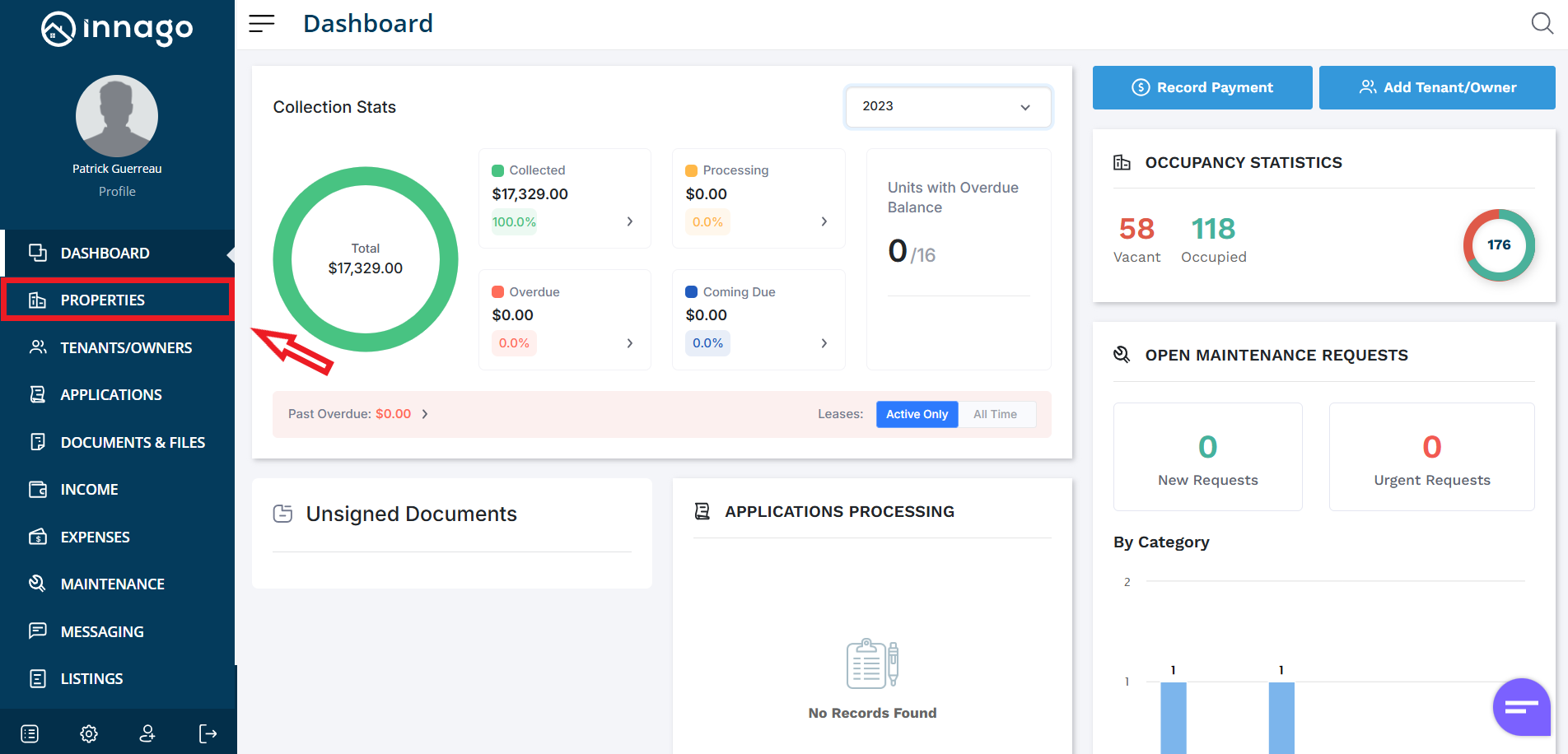
1. From the Innago menu on the left, click “Properties”
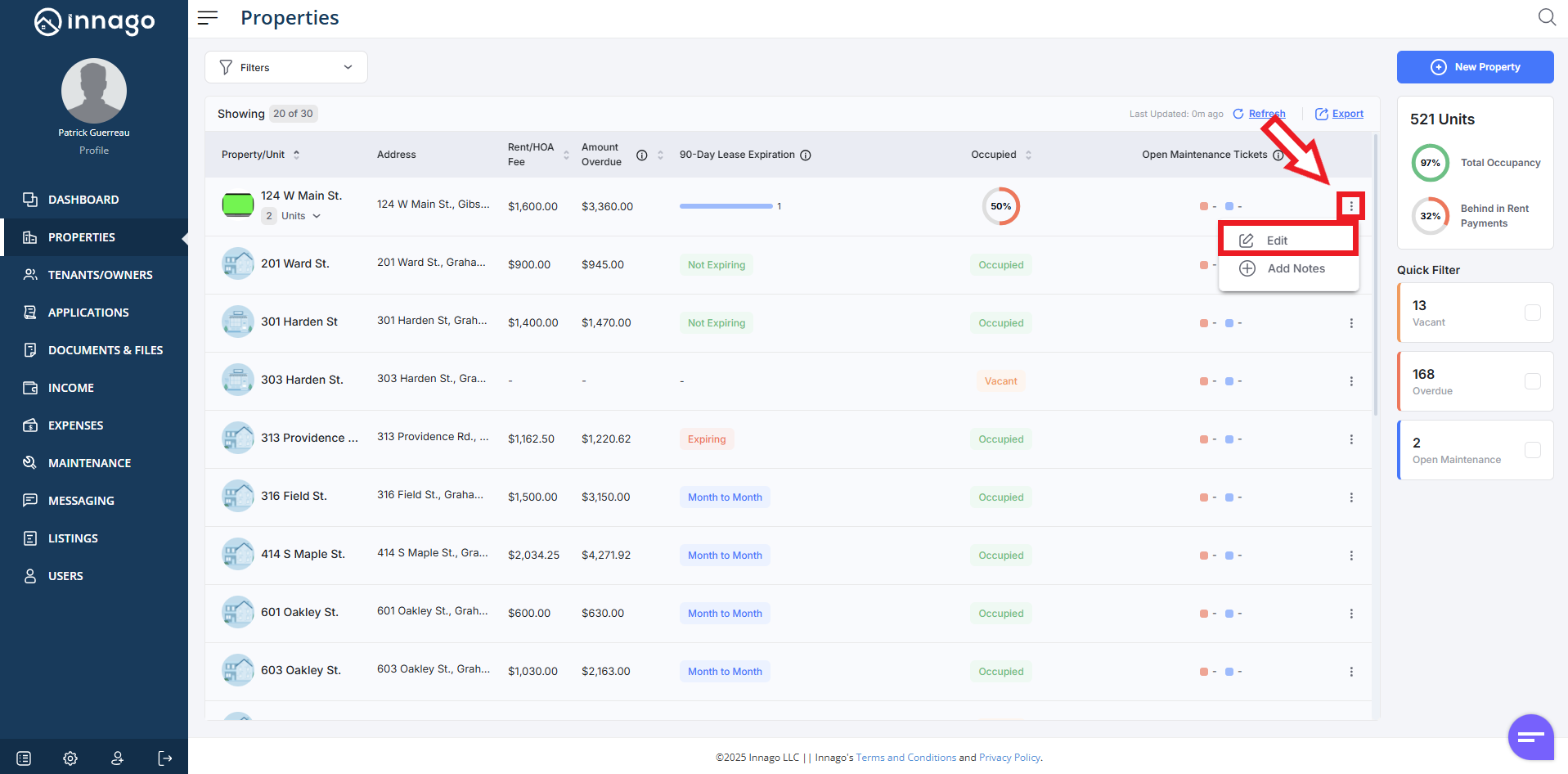
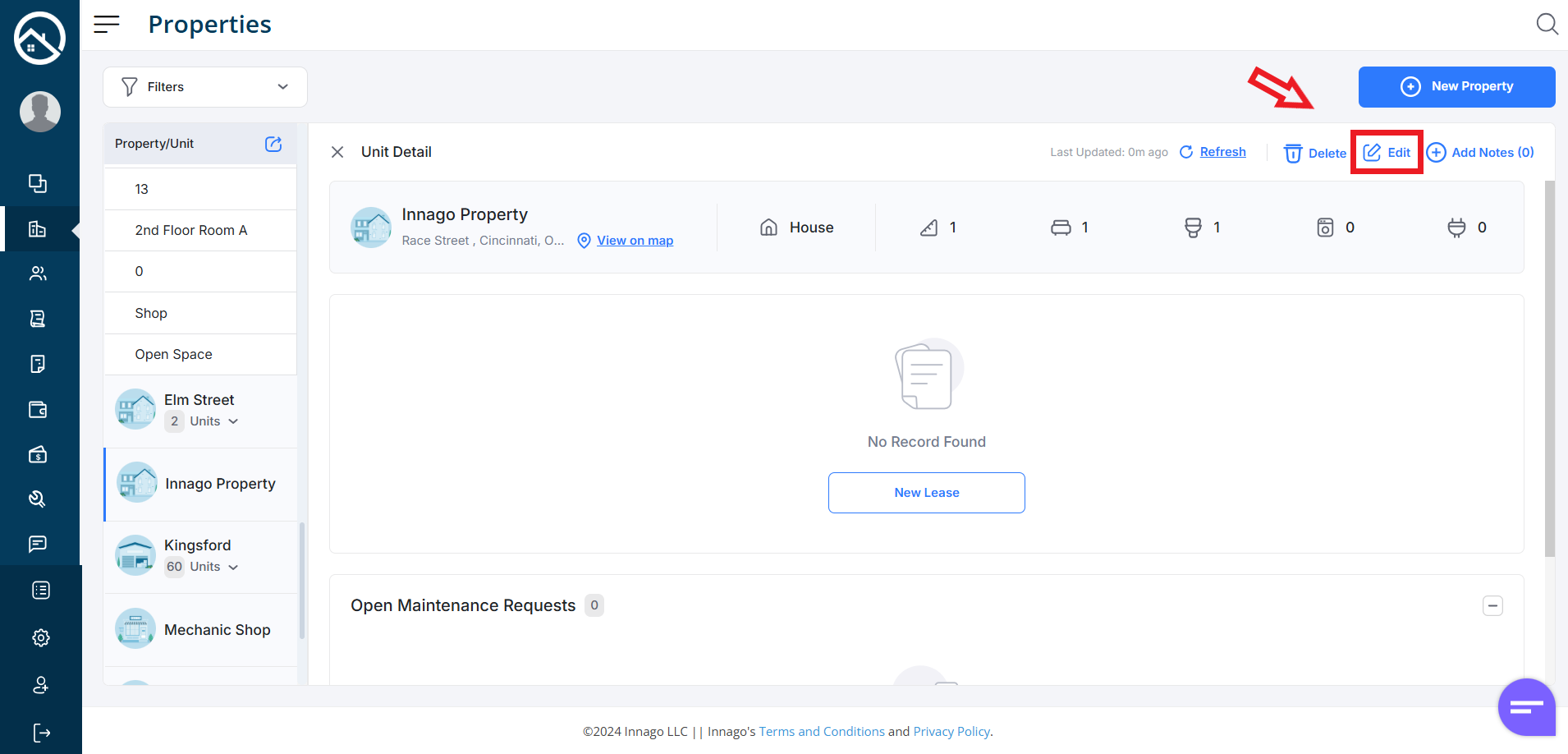
2. Click the set of dots next to the property you would like to edit. Click “Edit” from the action menu. Please note, you can also click “Edit” from the Unit Detail screen if you’ve already clicked on the property directly.
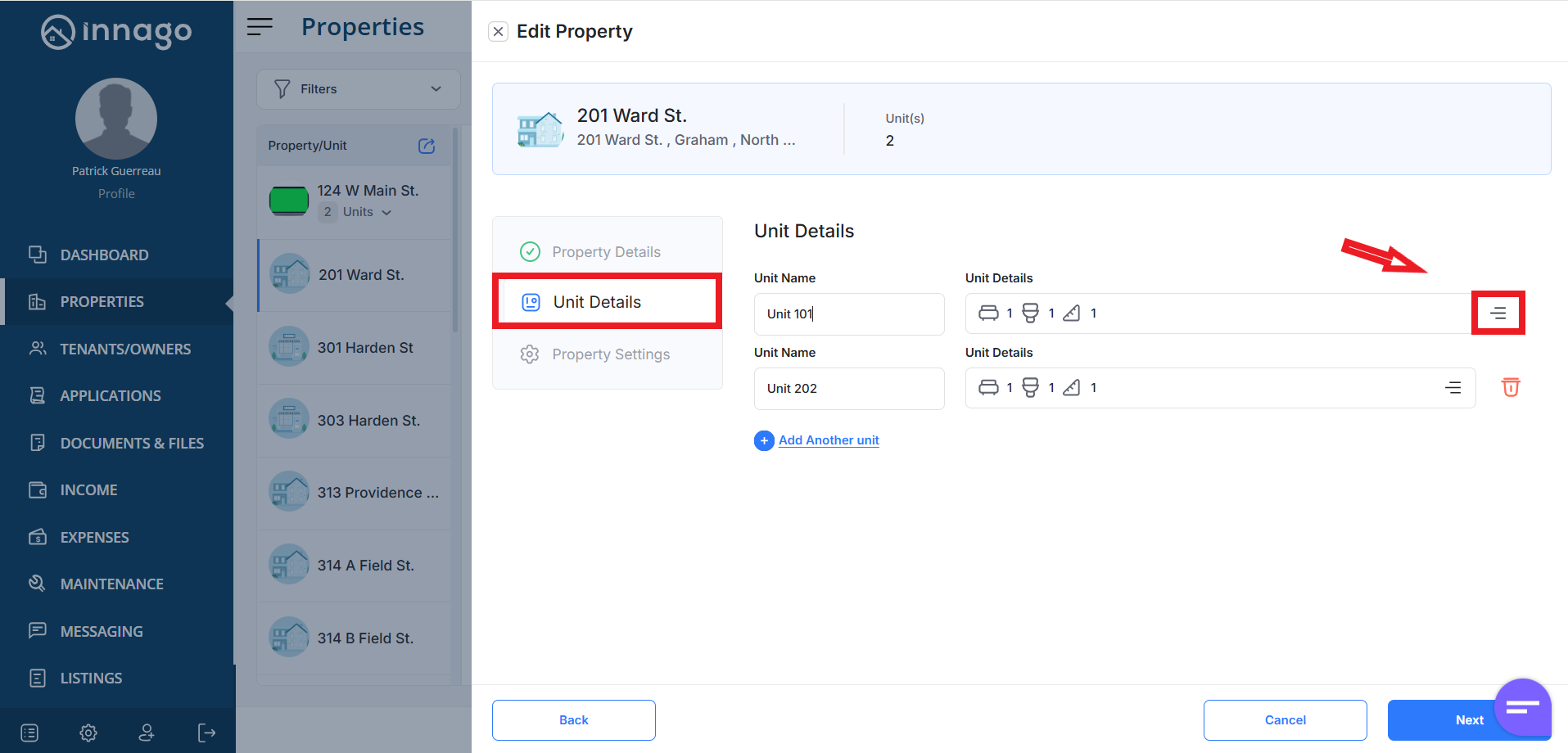
3. Click “Next” to proceed to Unit Details where you can manage your units. Click “Add Another Unit”. Click the hamburger menu to the right if you need to update any additional details.
4. Click “Next” to proceed to Property Settings and then click “Save” to complete your updates.