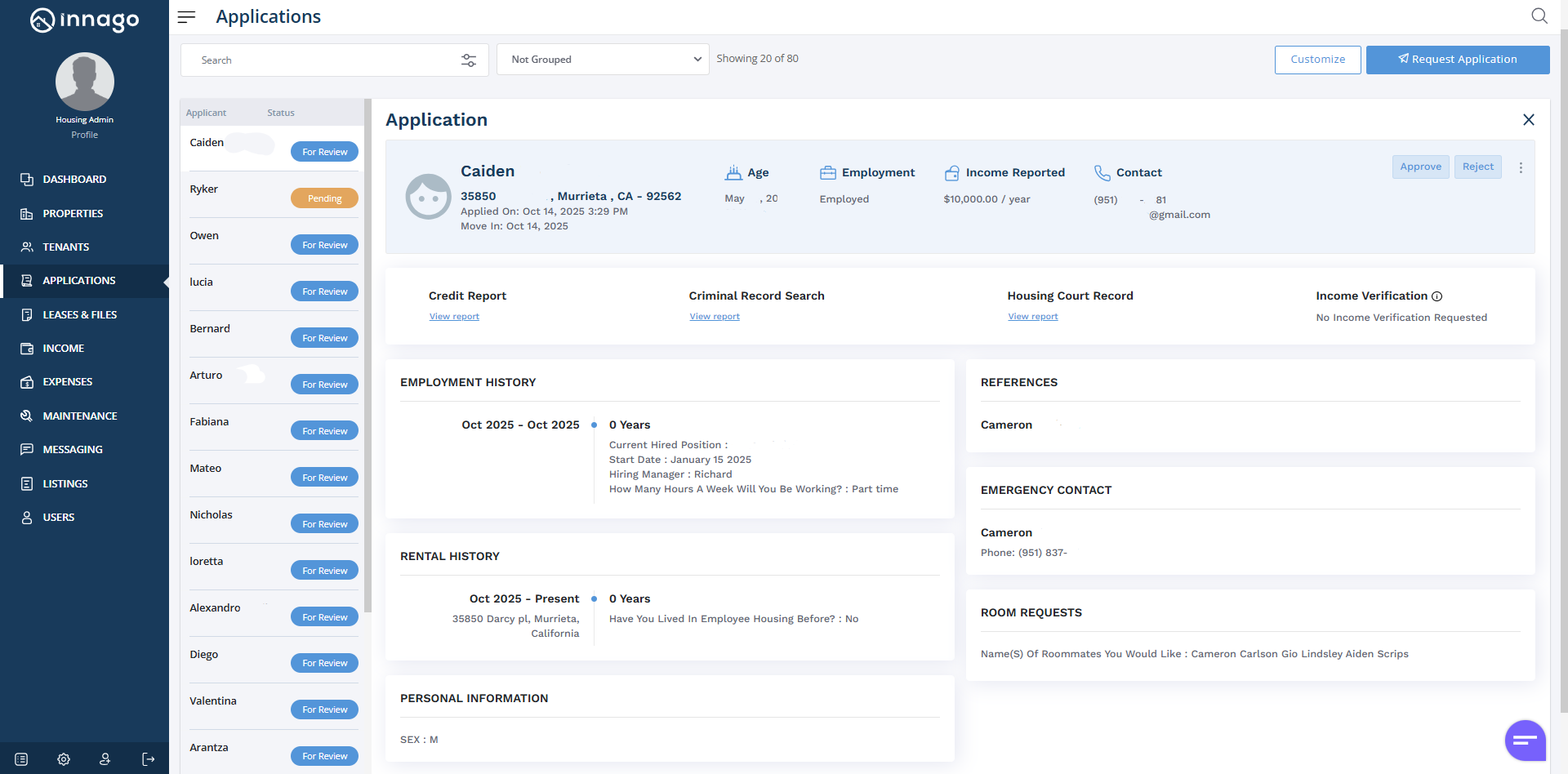
After you’ve requested an application and it’s been completed, you can easily review it via your Applications page. Just follow the instructions below:
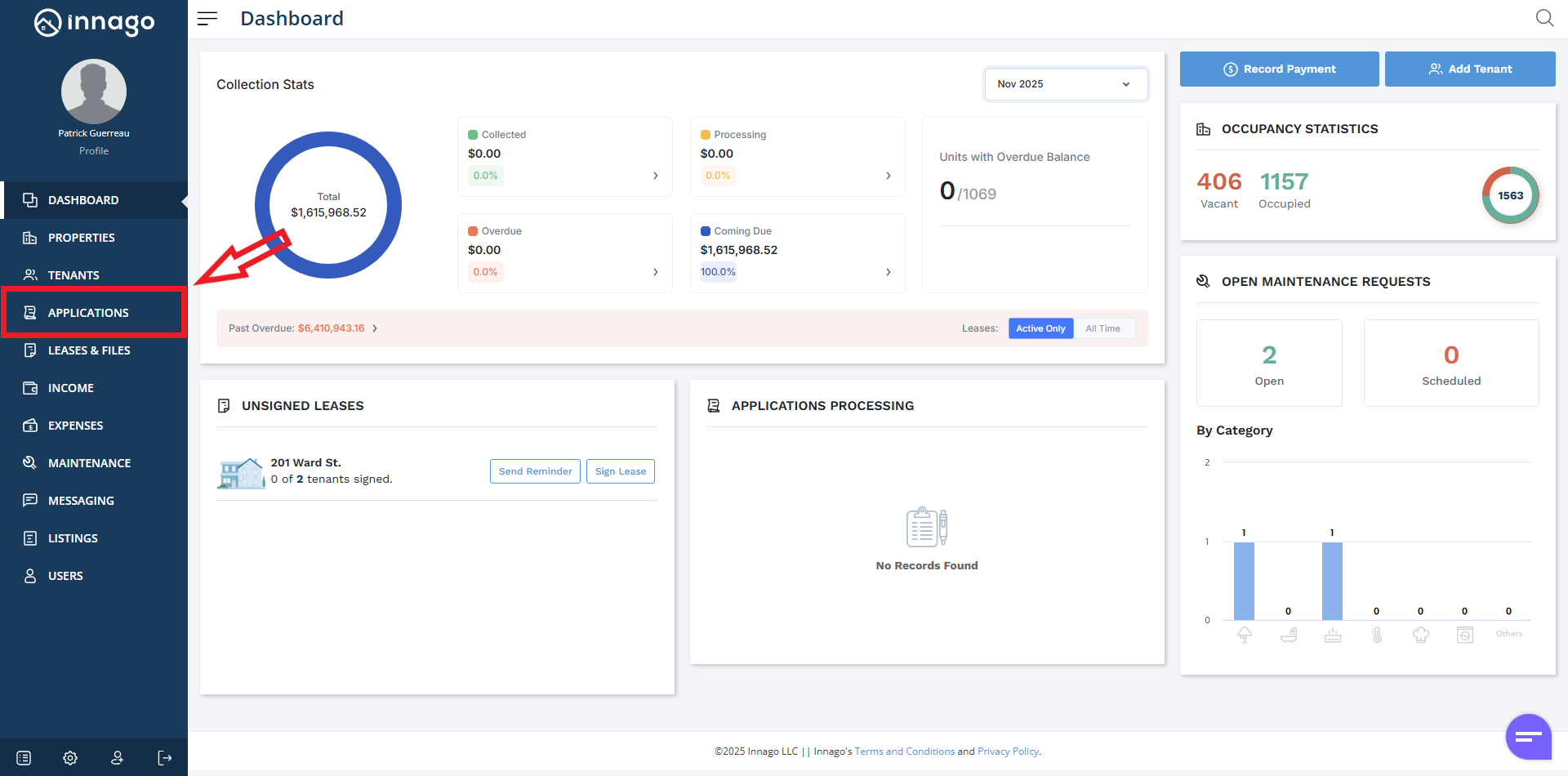
1. Click “Applications” from the main menu on the left.
2. If you’ve received any applications yet, you’ll see a list on the default screen. Click on the application you want to review.
3. All of the basic application information will display by default. In order to access any of the paid screening reports, click on the link that corresponds with each one.