Sending a BCC in Innago is simple and automatic.
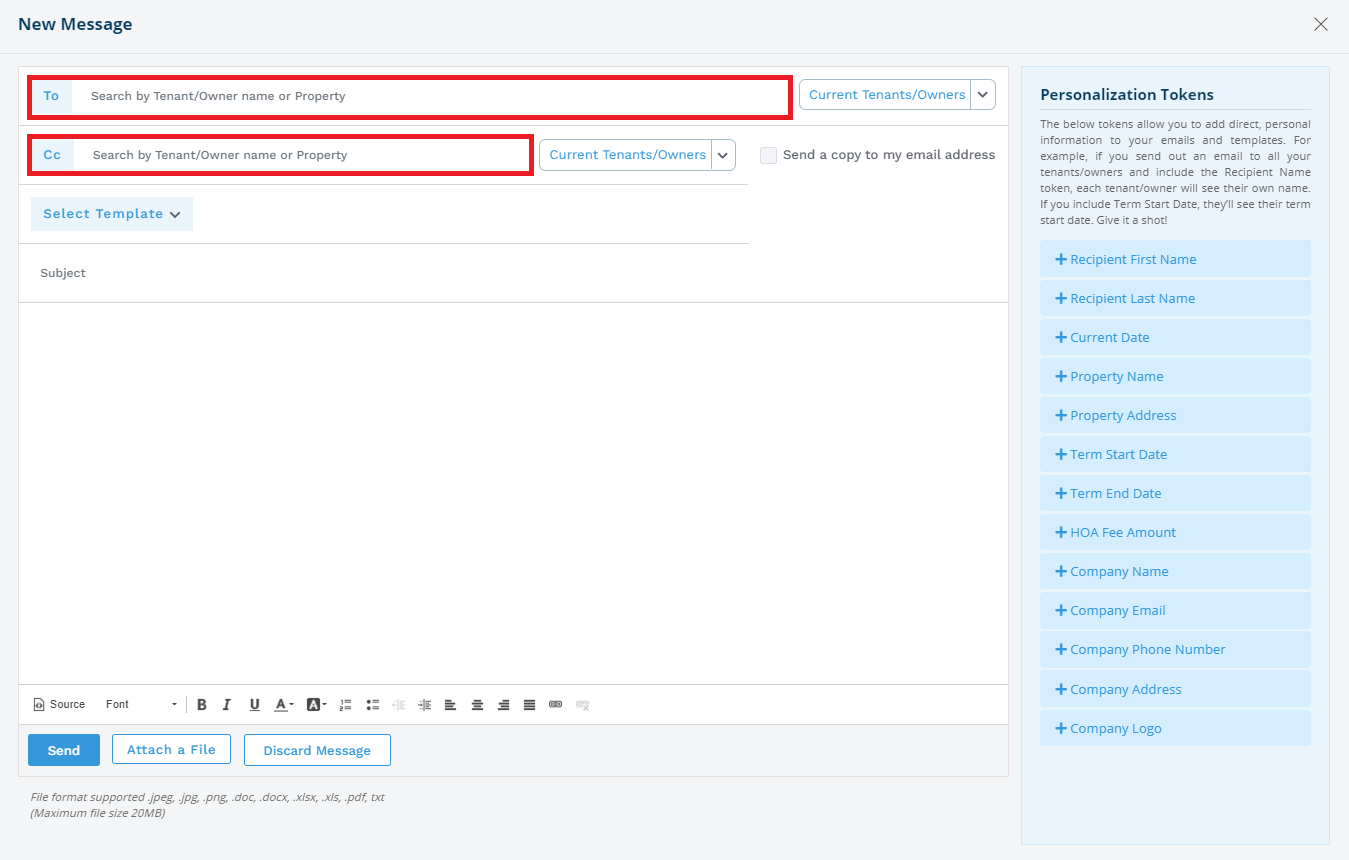
When you add recipients in the “TO” field, they are already BCC’d by default. This means each person will receive the message without seeing the other recipients.
What to do:
- Enter all desired email addresses in the “TO:” field
- Send your message as usual
That’s it. No extra steps needed.
If you need to Cc someone, you can add them to the “Cc” field!