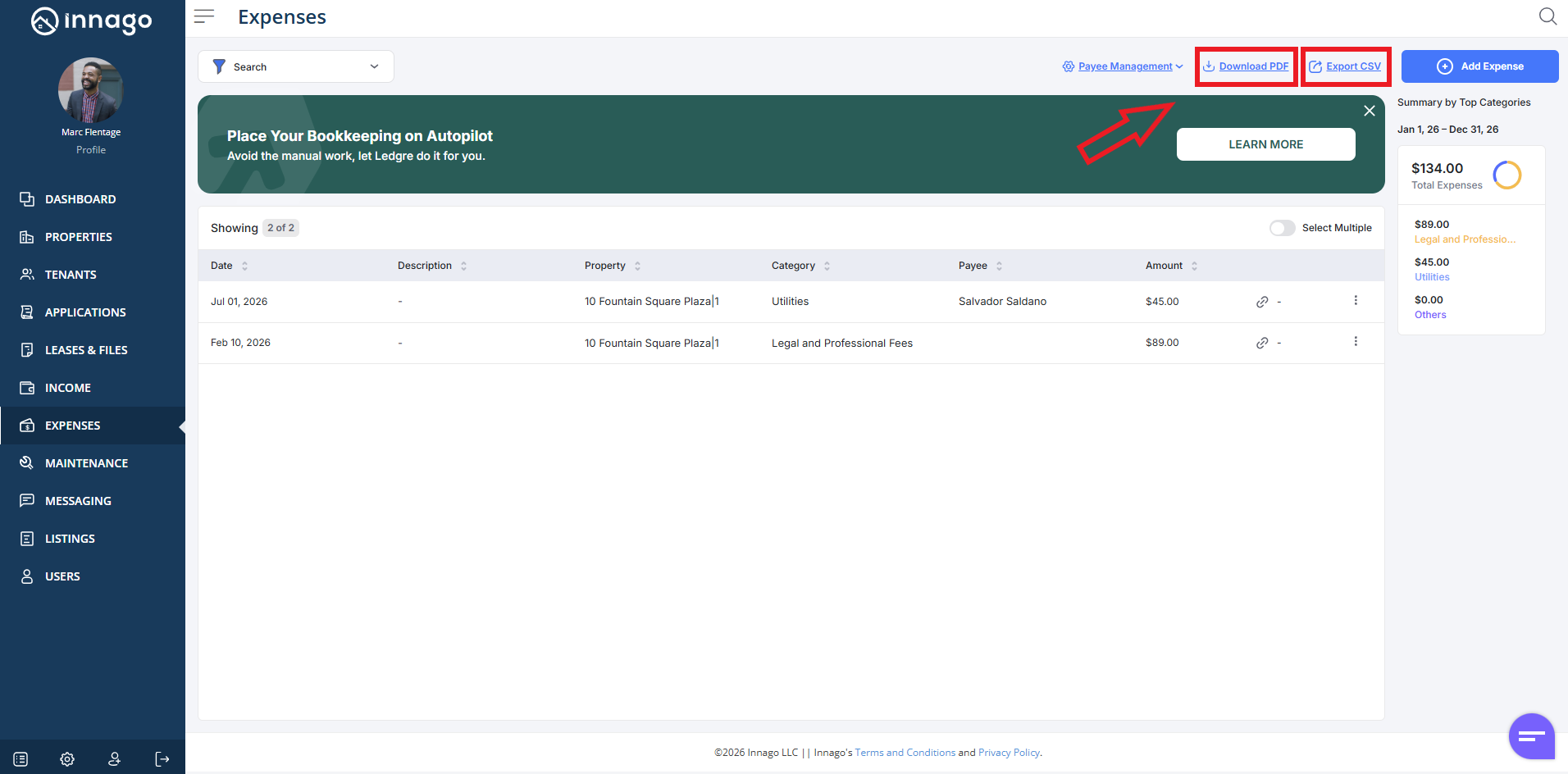
You can download expense data to your device in two ways:
1. As a PDF document – To download your expense information as a pdf, in the top right corner of the Expenses screen, click “Download PDF”.
2. As a CSV File – To download your expense information as a csv file, in the top right corner of the Expenses screen, click “Export”.