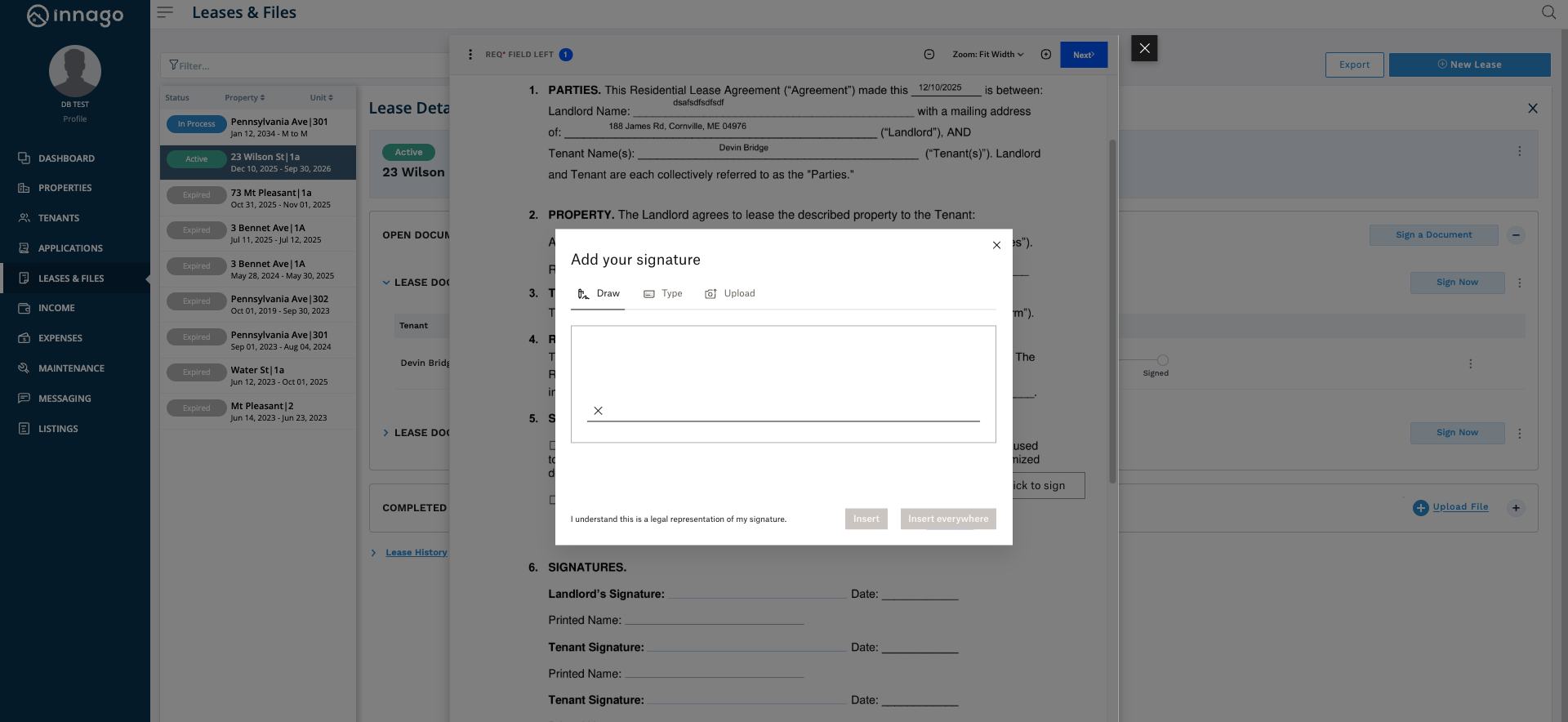
If you need to have two or more individual “landlord” signatures on your lease document, you can take the following steps when creating or editing your lease template.
1) Add two (or more) landlord signature fields to your lease template before sending to the tenant(s).
2) When ready, enter the signing phase and sign only one field. Do not continue or proceed afterwards. “X” out of the form.
3) Re-enter the signing phase. You should be prompted to sign the next signature field and should be allowed to update the name for the second signature.
Please note, if the second signature is coming from a sub-user, they can simply login and perform step 3 after the main account user has completed step 2.