
If you currently have an “in-process” lease term that is pending on lease signatures, you will not be able to send additional documents until the first document is signed. Once all parties have signed the initial document sent during this last step of creating the lease shown below, you can use the instructions given here to send more documents.
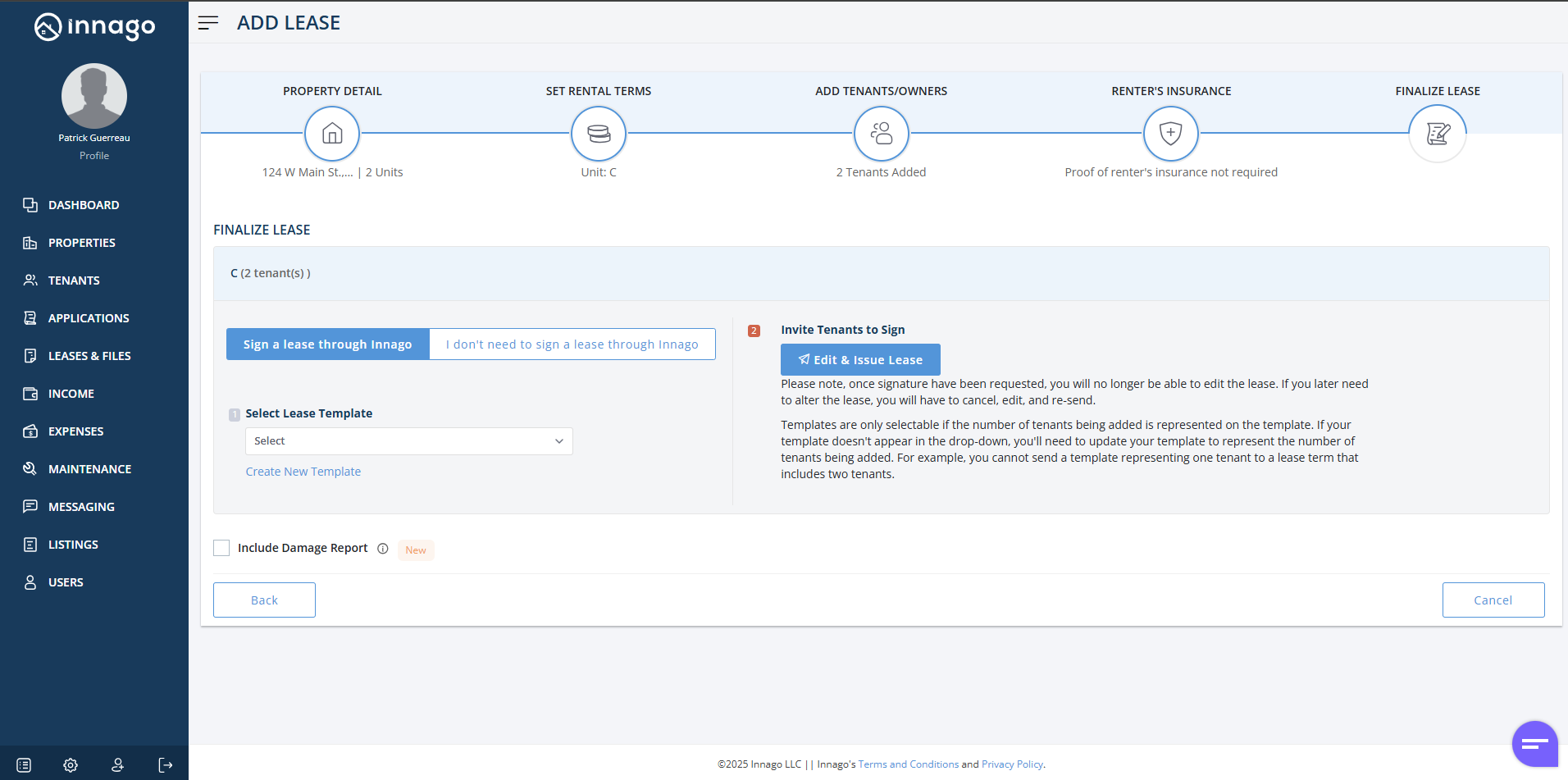
If you would like to urgently send all documents at once, or if a tenant needs to uregently submit a payment prior to them signing any documents, you’ll want to cancel/terminate the “in-process” lease. You can then recreate the lease term, being sure to select the “I don’t need to sign a lease through Innago” option shown below during the final step:
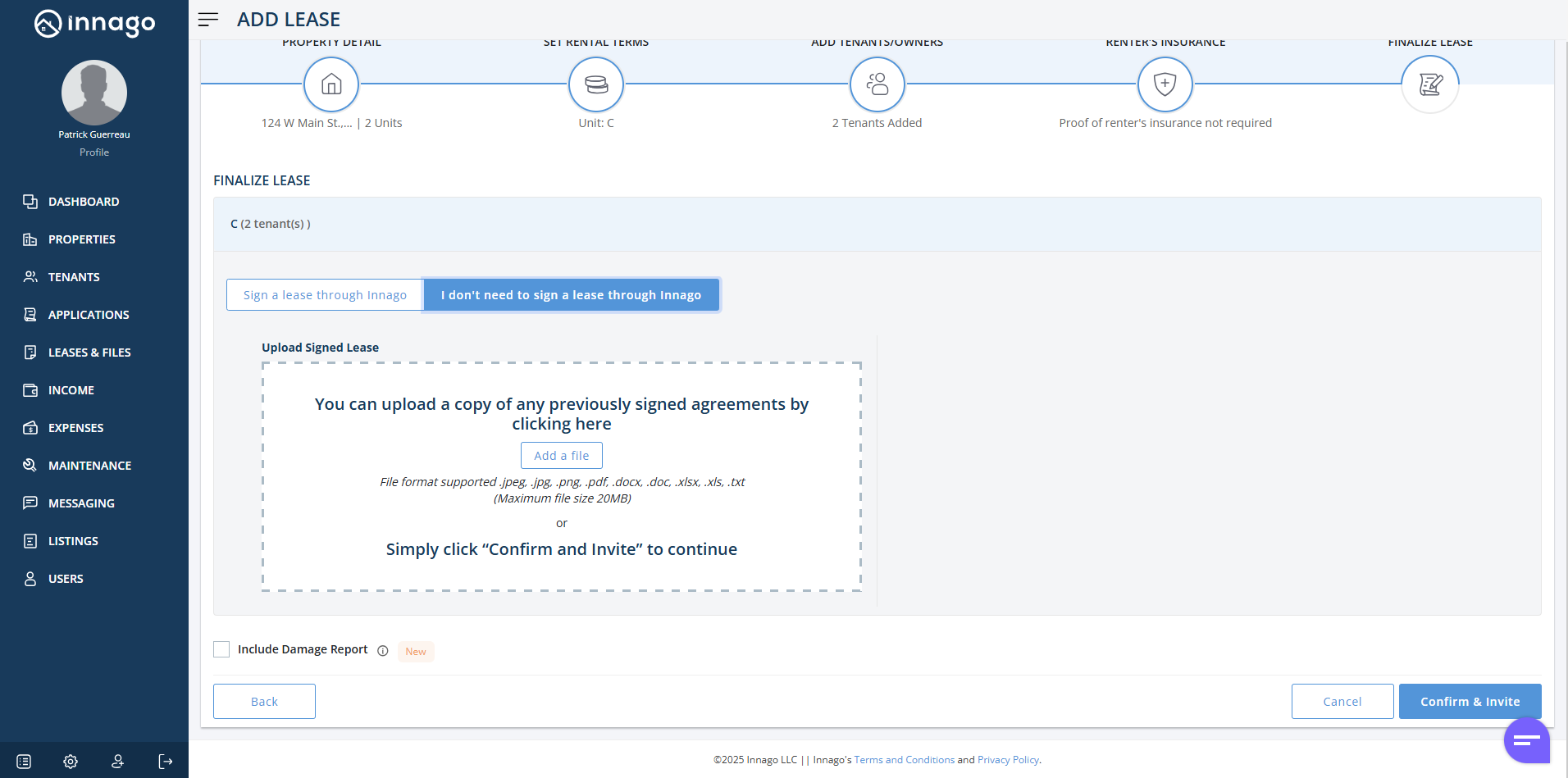
Again, you’ll always be able to send out multiple documents after making this selection by following the instructions given here.