A payee is someone to whom you have paid, or will pay money to in the form of an expense. When recording an expense, you can select from a list of existing payees, or you can create a new one yourself.
Adding a New Payee via Payee Management
1. From the Innago menu on the left, click on “Expenses”
2. In the top right corner, click “Payee Management”
3. Click “Add New Payee”

4. From here, you’ll add their details such as their vendor name, or their first name and last name. Lastly, you’ll select a category. Click “Add Additional Information” if you’d like to add additional details.
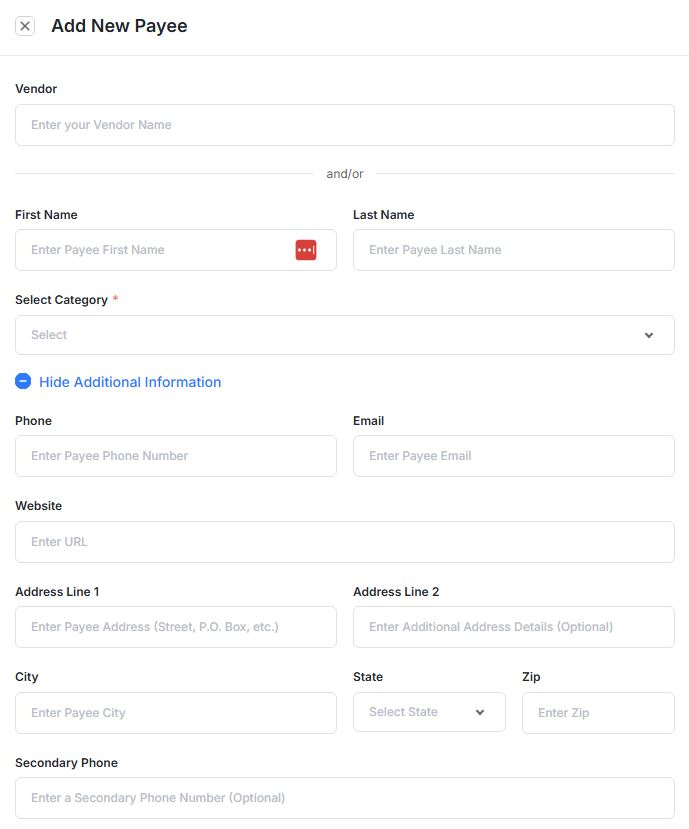
6. Finally, click “Add” to add your Payee.
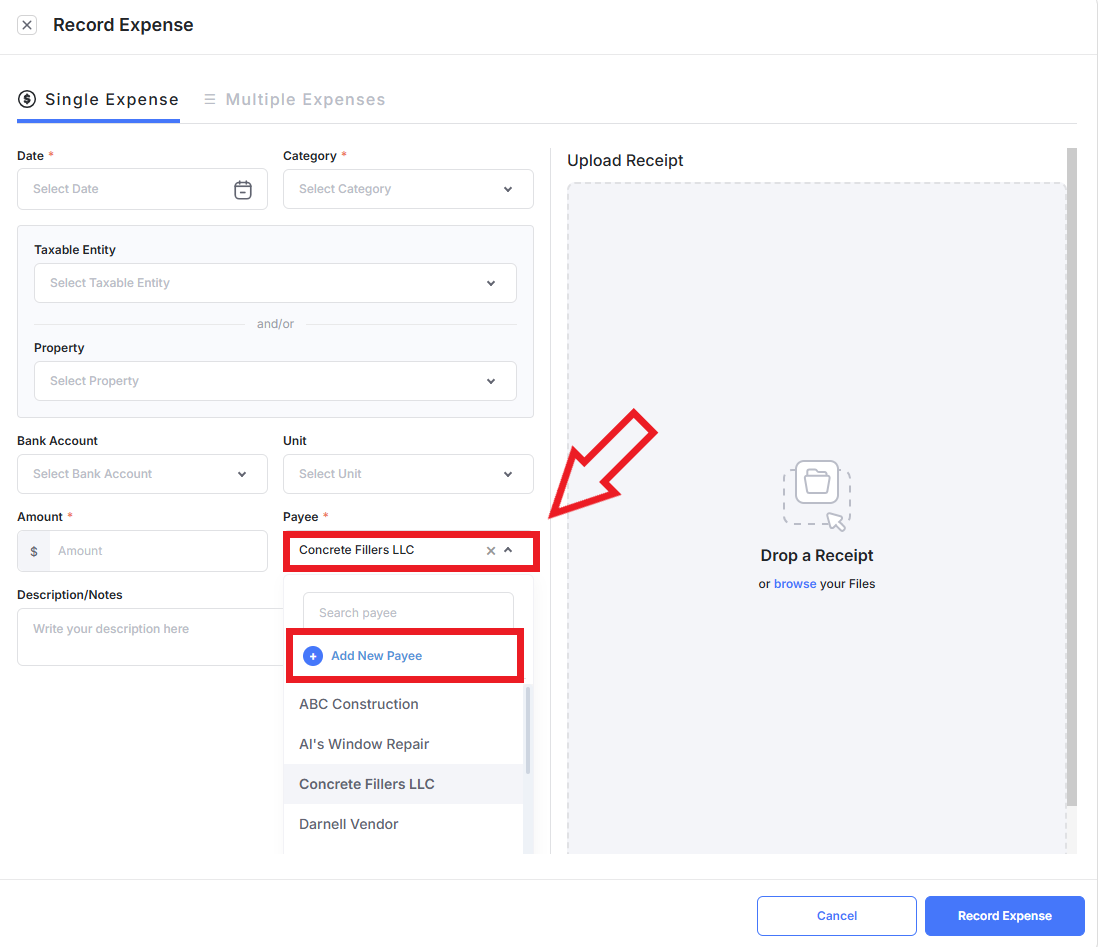
Adding a New Payee via Add Expense
Editing an Existing Payee
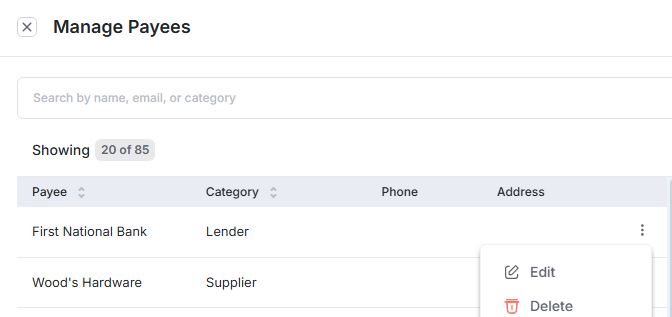
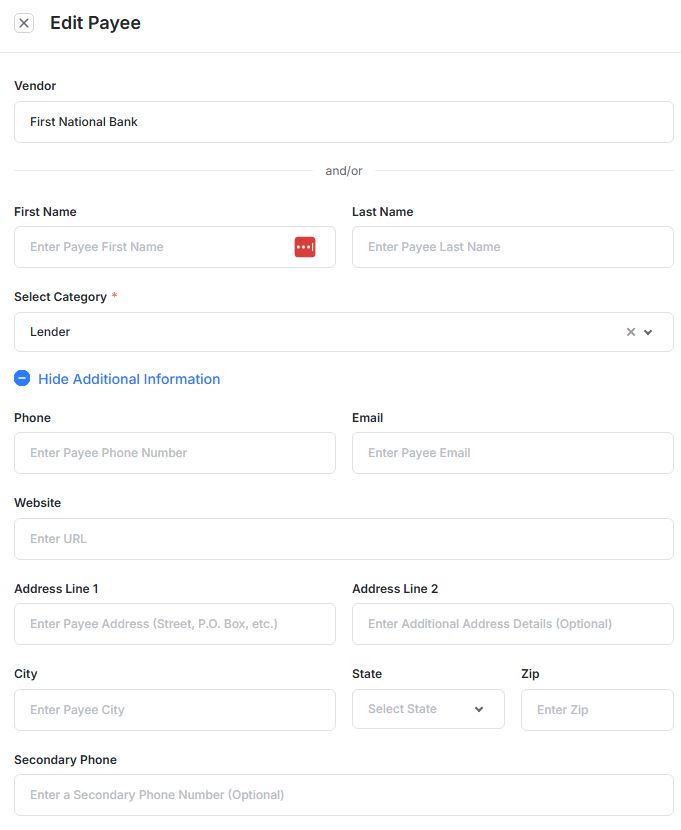
If you ever need to edit or delete a payee you previously created, from the main Expenses page, click “Payee Management” and then “Manage Payee”.
Click the set of vertical dots next to the payee you’d like to update, then click “Edit” or “Delete”. Click “Save Changes” once you’re done.