
If you’ve added a Chase or PNC bank account to Innago through Instant Verification, you may have noticed that the last four digits of the account number appear to differ from your actual bank account number. This is because Chase, PNC and some other financial institutions actually send us what’s known as a “Tokenized Account Number” or “Substitute Account Number” that’s attached to your bank account. We understand how this could be confusing, but we can assure you that you have successfully linked the correct account.
Here is a statement on the TAN directly from Chase’s website:
“The Tokenized Account Number (TAN), is a secure method for our partners to share an account number that can be used for Automated Clearing House (ACH) or Real-time Transport Protocol (RTP) transactions that isn’t the actual account number. Using a TAN reduces the risk of a customer’s account number being compromised.”
Here is a direct link from Chase’s website where they confirm their use of substitute account numbers. Here is also a screenshot from the page where they directly reference it under their FAQ’s:
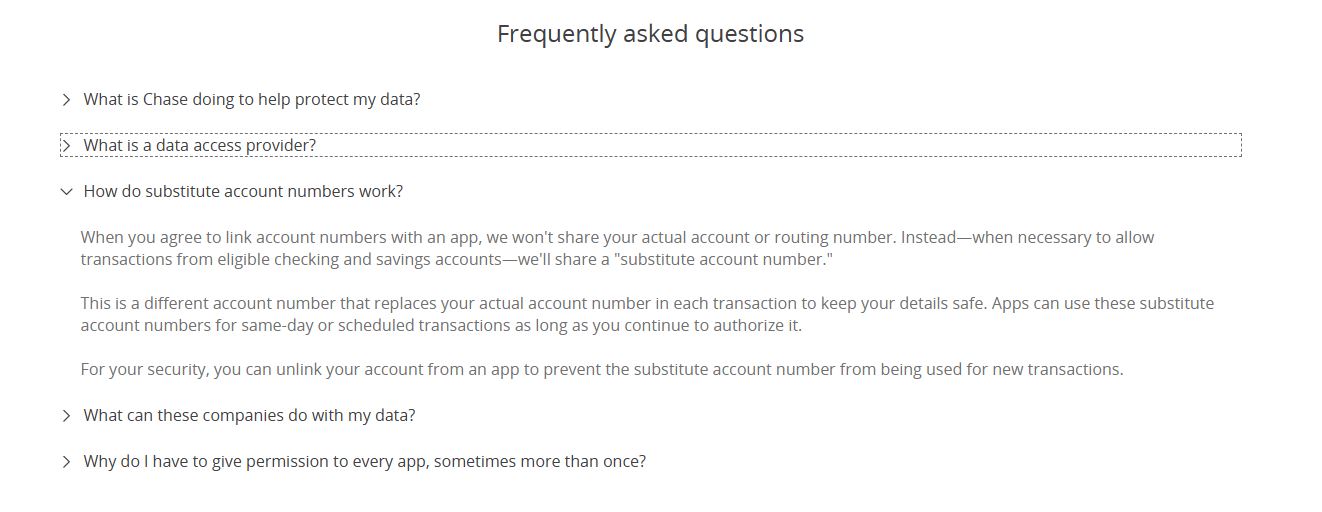
PNC also has a blog article where they reference tokenization here.
The number of banks adapting token/substitute account numbers is expected to grow in the future. If you’re unsure if your bank uses tokens for third-parties, or if you still have concerns, you can contact your financial institution for more information.