
If you’re curious to see how many times your tenant has made a payment after the due date of an invoice, you can easily see this information by accessing your Tenant Record.
In order to access it, you’ll just click on the tenant’s name under the Tenants section of Unit Detail from your Properties page:
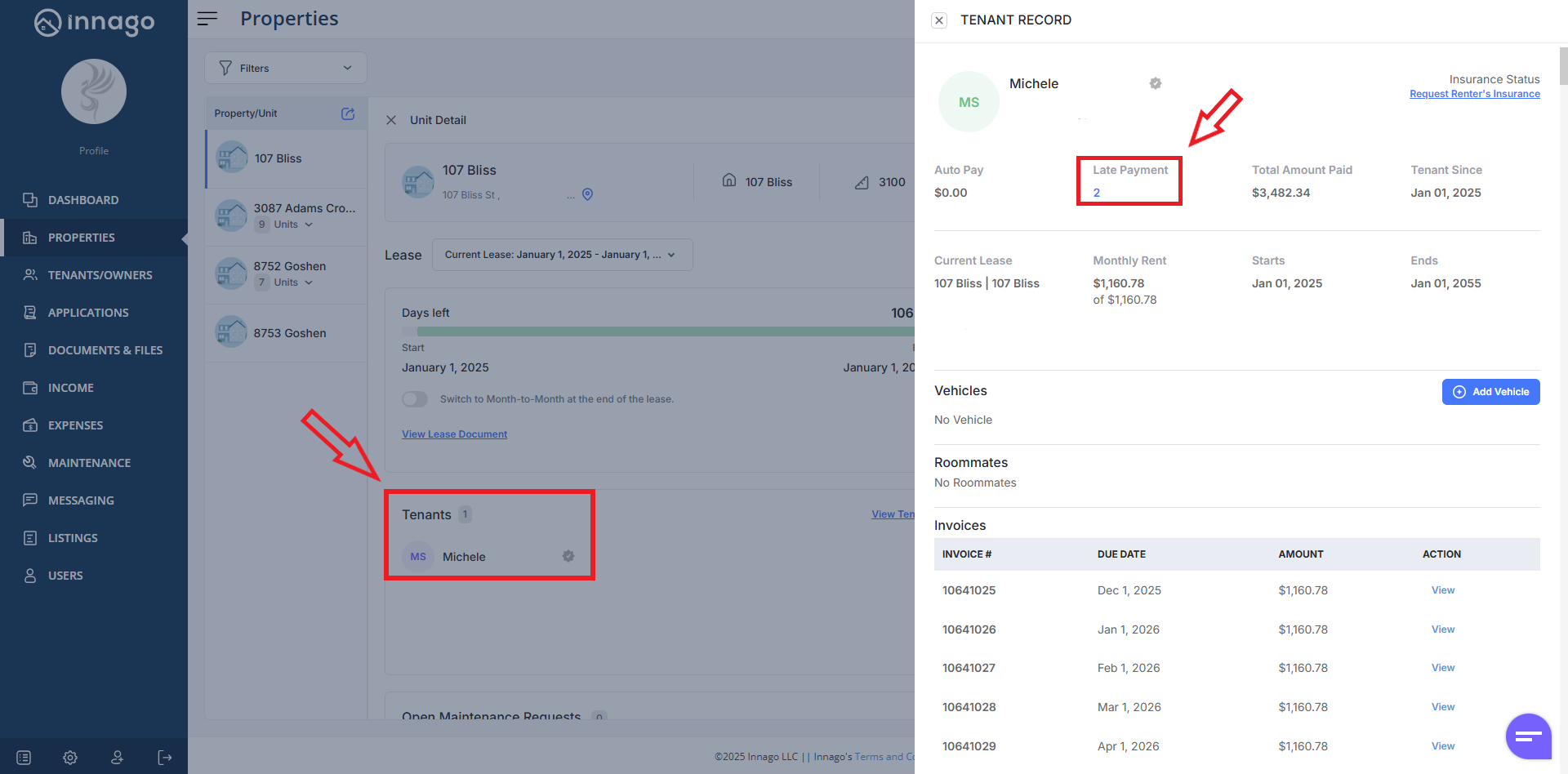
Please note, this will only provide a total number of payments made after the due date of an invoice. It will not count the number of times a tenant has had to pay a late fee. This is important to consider, since your grace period may be set up so that a late fee only applies after a certain number of days. This “Late Payment” count will not take that into consideration, and will include any payments made after the due date, even if they were within your set grace period.
If you’d like to see the amount of late fees that a tenant has paid, you can either use the Income page to filter to any invoices with a late fee line item, or use the P&L Report, which will provide a breakdown of income by line item.