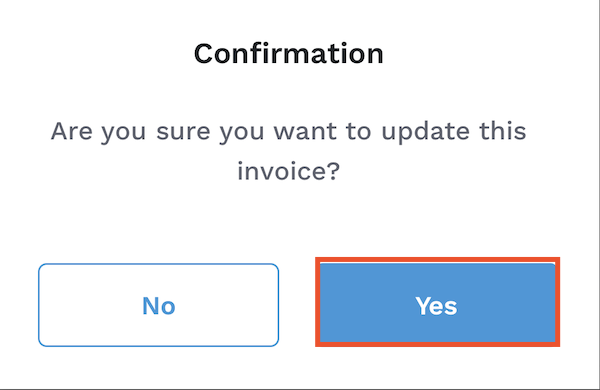
You may want to attach an additional fee to a tenant’s existing invoice, such as a maintenance fee, parking fee, or a utility bill. To add a fee to a current invoice:
1. From the Innago menu on the left, click ‘Income’.
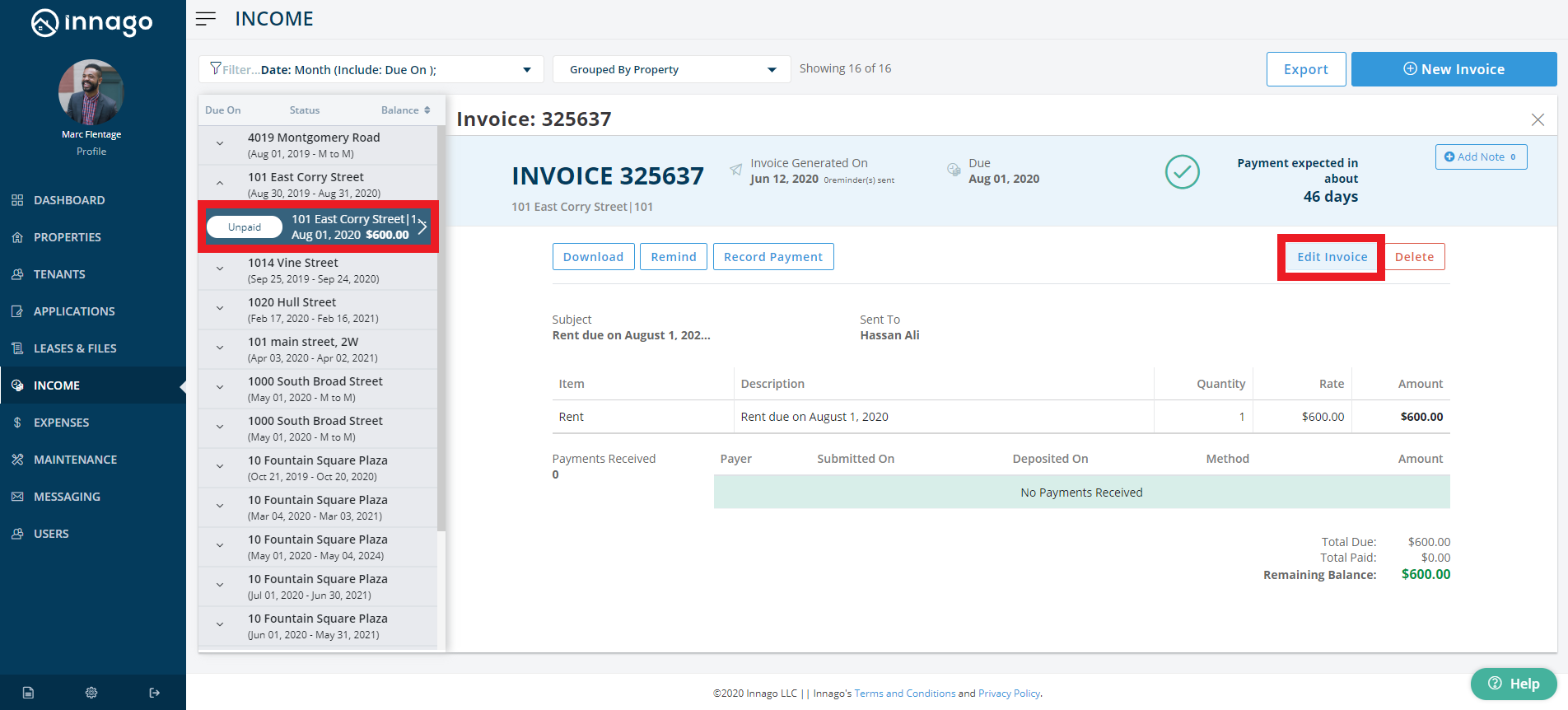
2. Select the invoice to which you’d like to add a fee.
3. In the top right side of the invoice, click ‘Edit Invoice’.
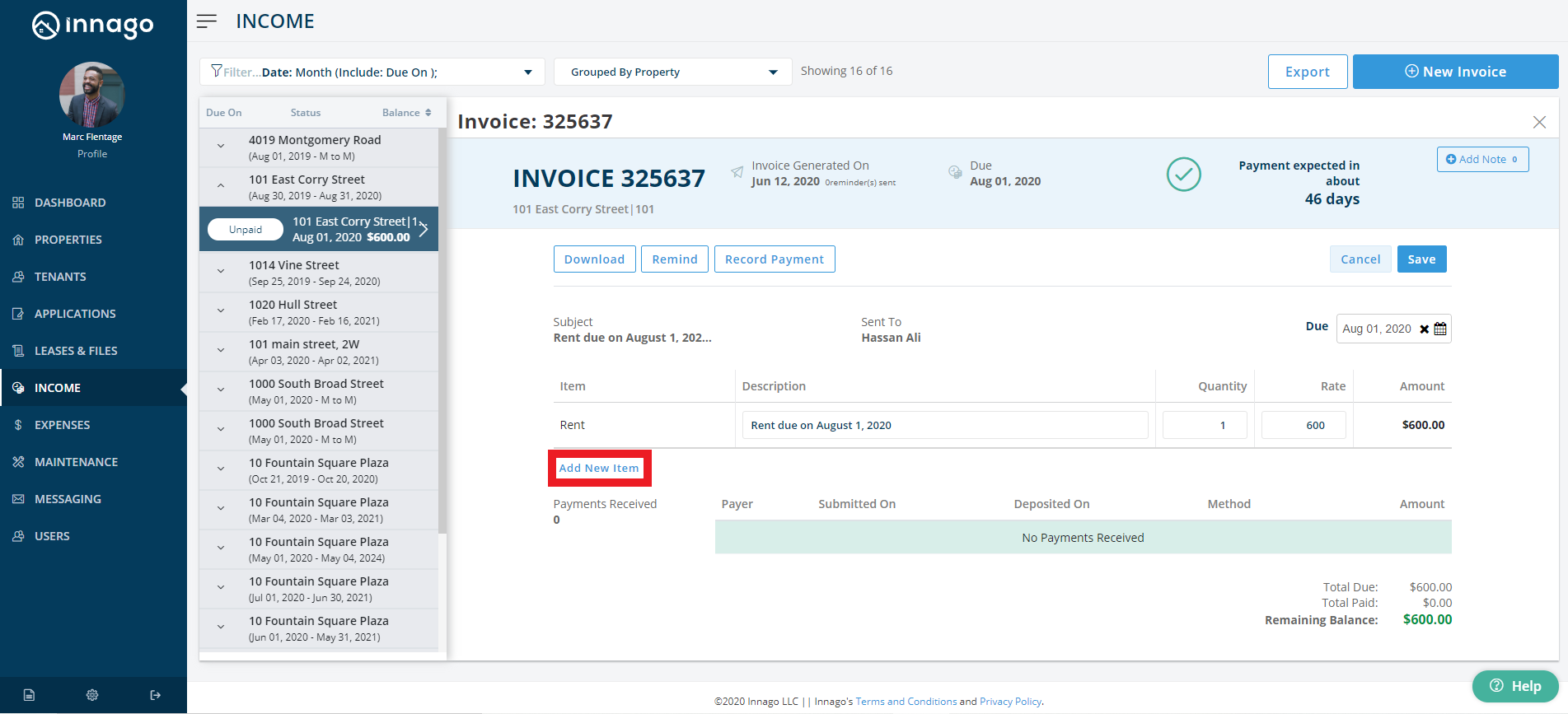
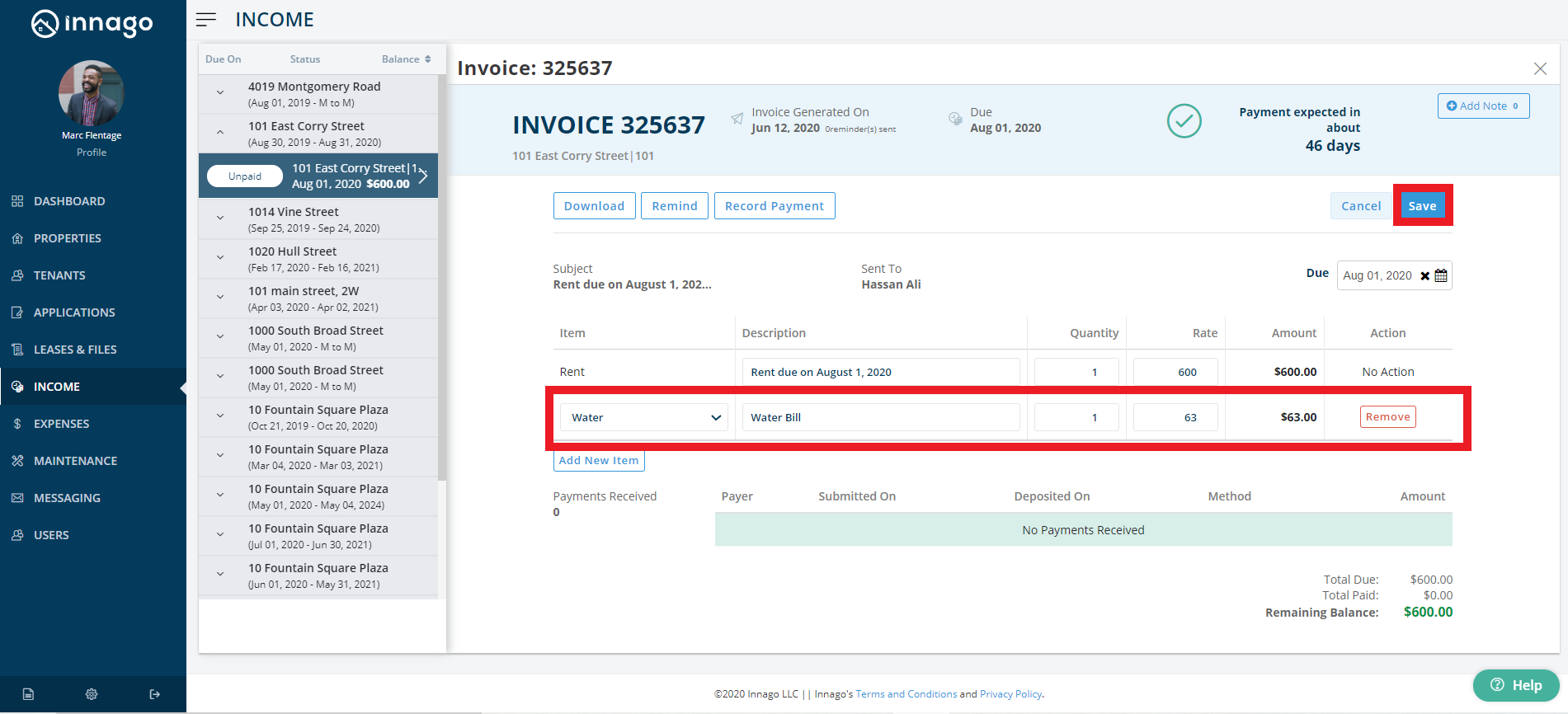
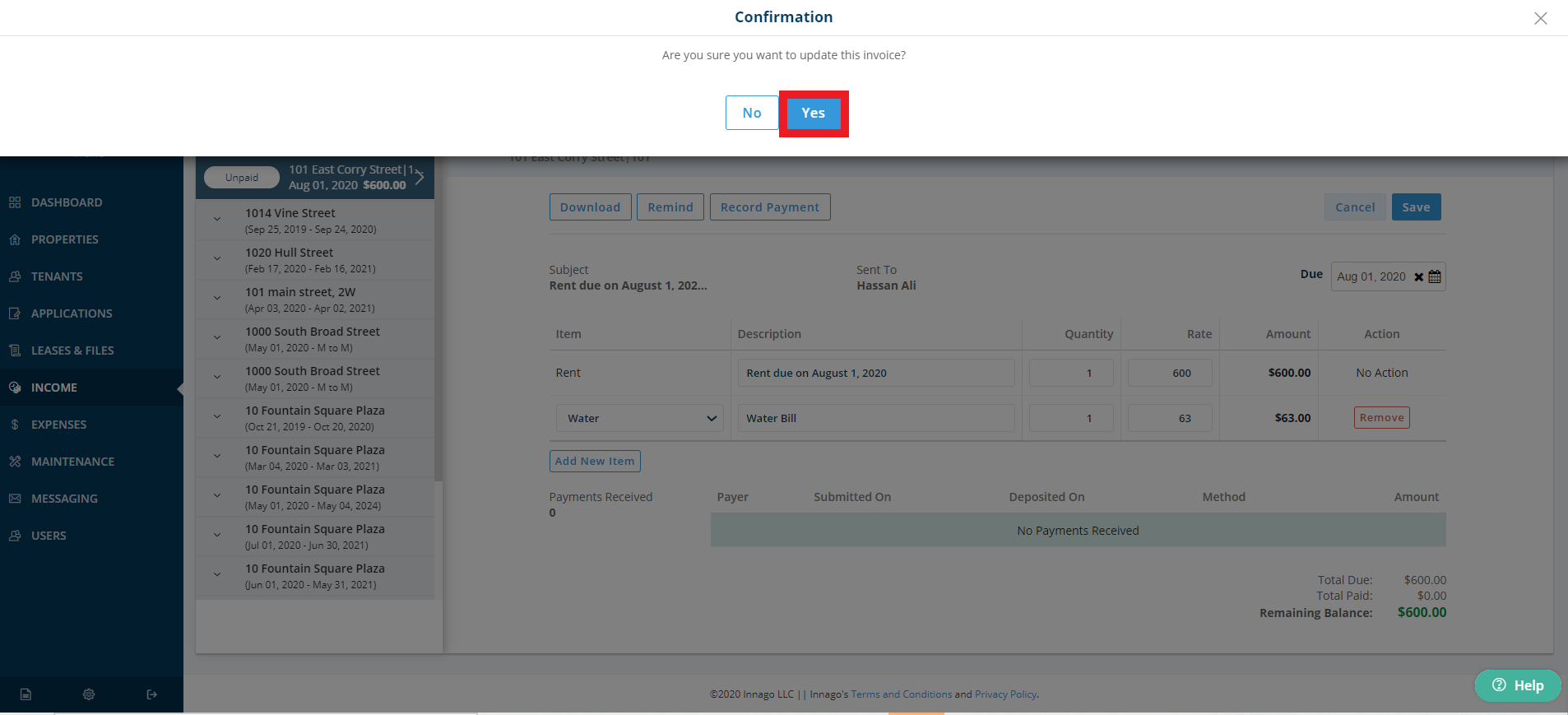
4. On the invoice, click ‘Add New Item’, and add the necessary information.
5. On the top right side of the invoice, click ‘Save’.
The fee you’ve just added will only be reflected on this invoice.
If you are using the mobile app, you can add items/fees to invoices by following a similar process.
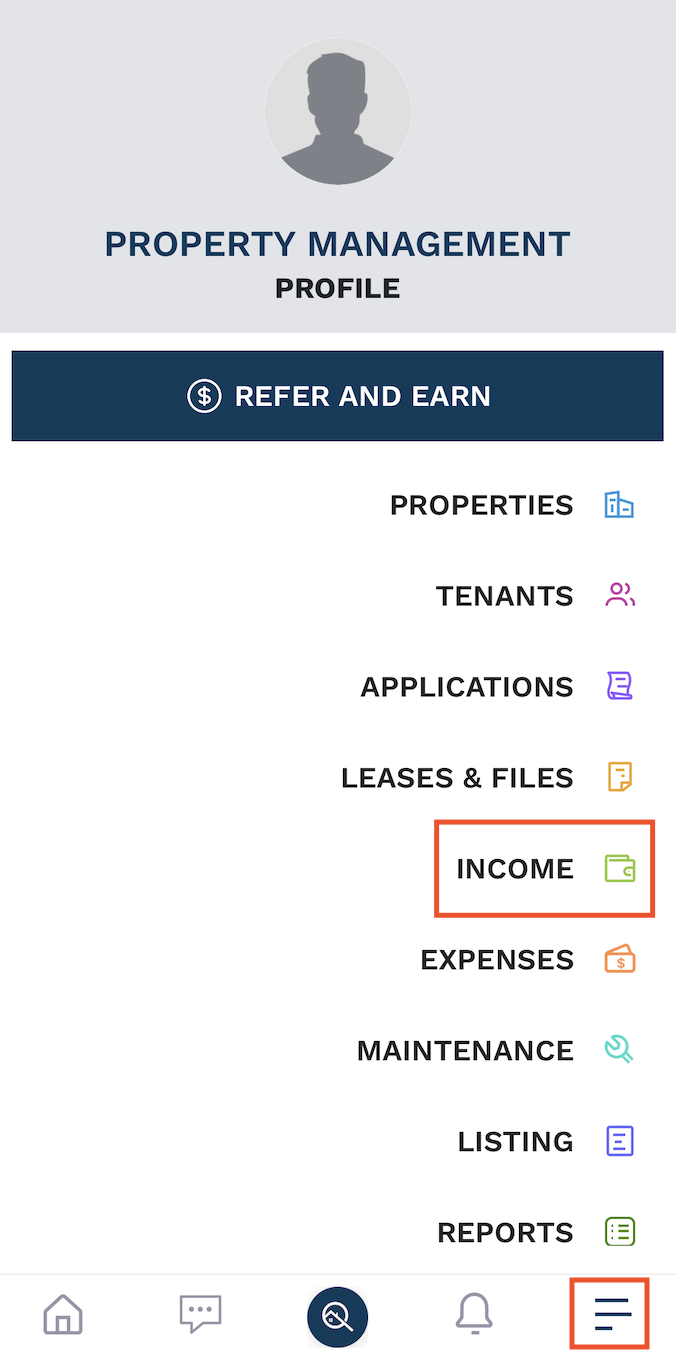
1. Click the 3 horizontal lines on the bottom right hand corner and select‘Income’.
2. Search for and select the invoice you would like to add items to. You can use your Filters to find the invoice you need to edit. Please note, by default, the date range will be limited to the current month.
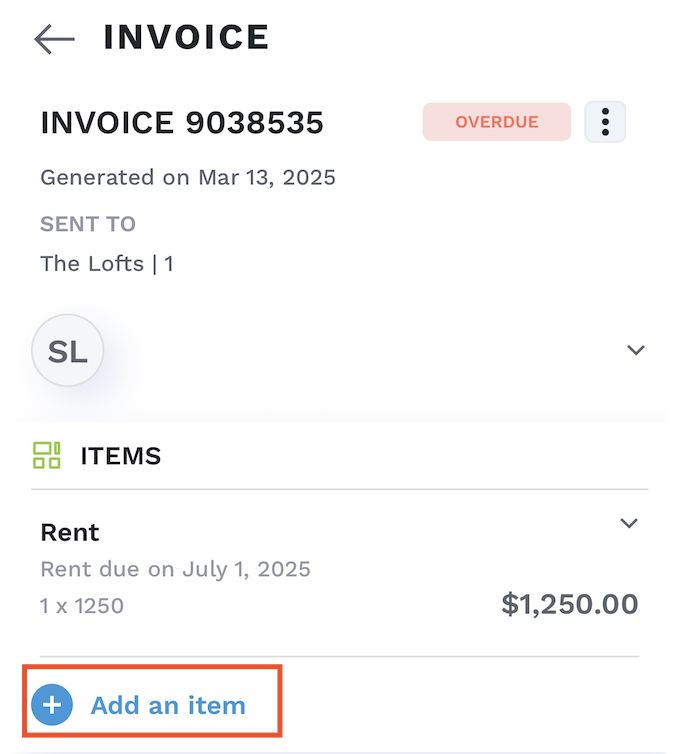
3. Click ‘+Add New Item’.
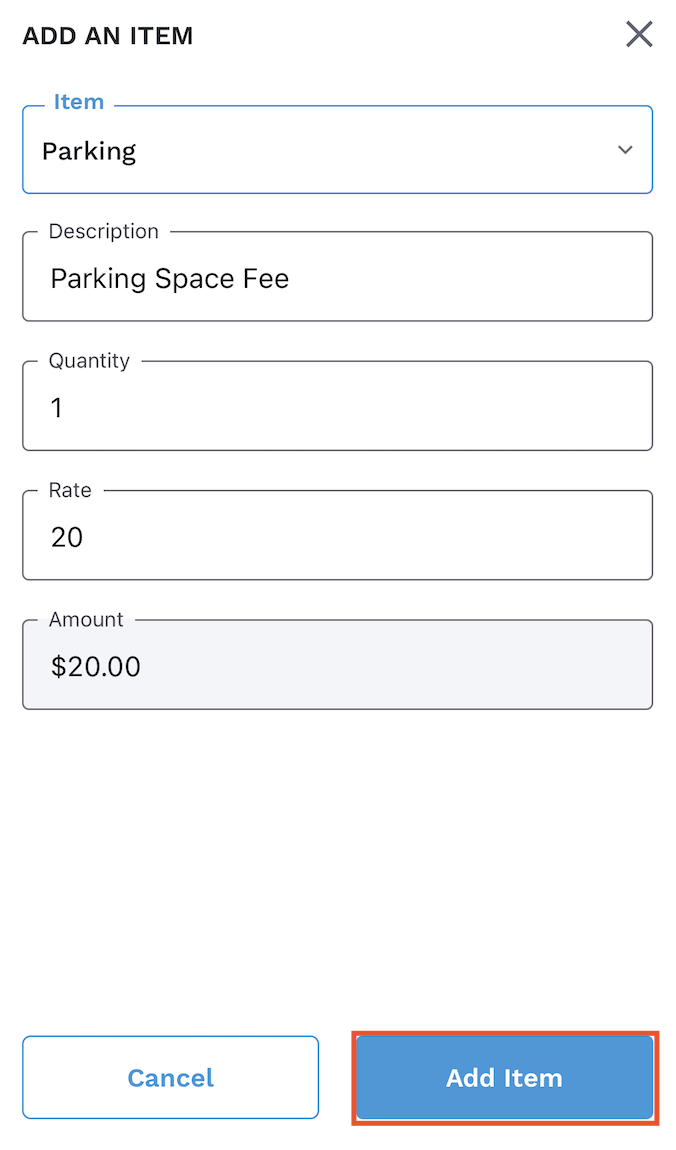
4. Fill in the fields with your item/fee details.
5. Click ‘Add Item’.
6. Click Yes.