
If you just recently signed up for Innago, you may be wondering where the Messaging features are located in the software!
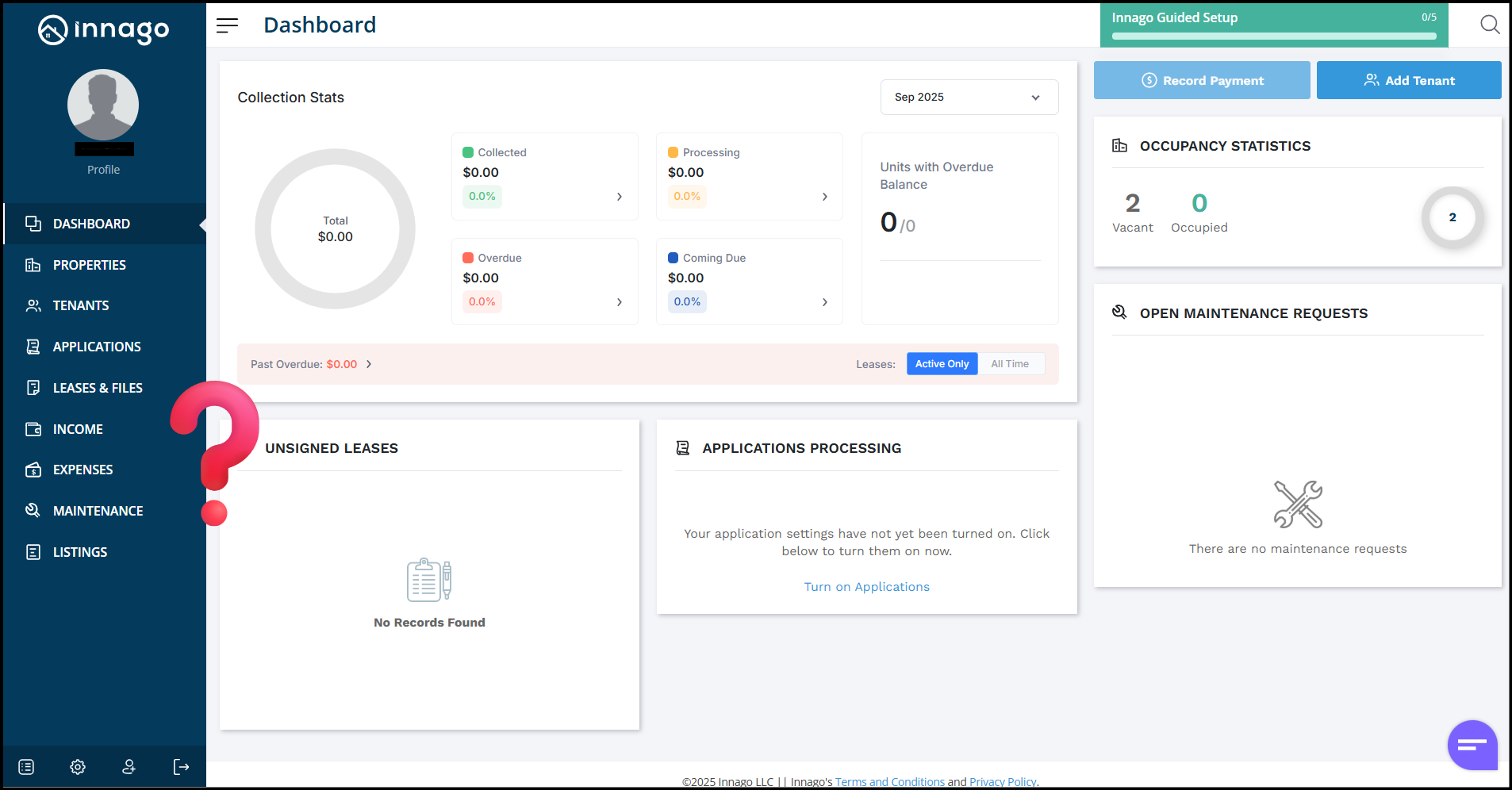
When you first create an account with us, the Innago menu on the left hand side does NOT include Messaging. To make this appear, you’ll need to first Verify Your Identity!
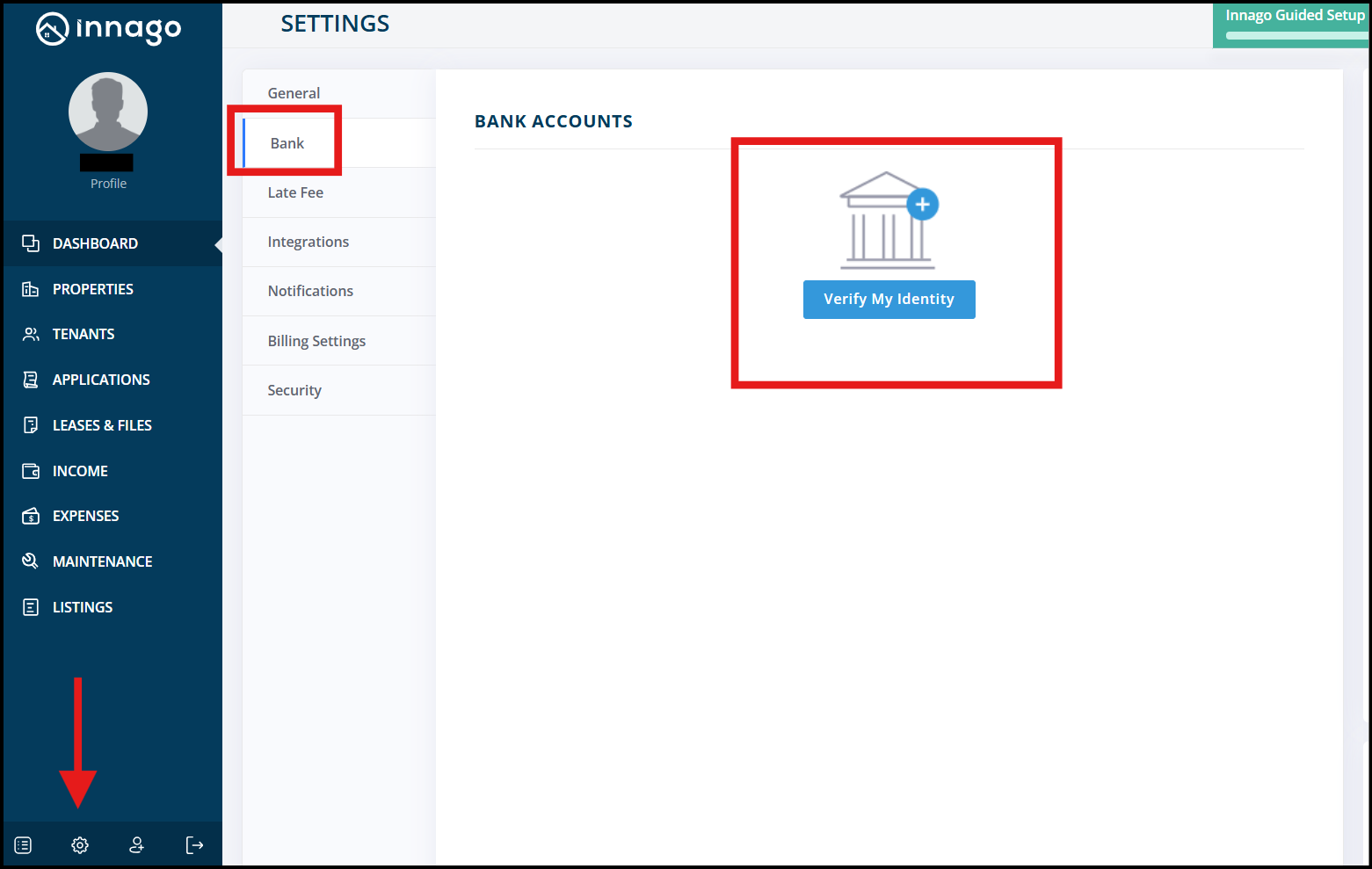
- Click the Settings Icon in the bottom left of the screen
- Click on Bank
- Click Verify My Identity
- Once you’ve verified your identity, the menu labeled Messaging will appear
For more info on Messaging your tenants check out these resources: